Settings
Open settings with the gear icon or ⌘ , (Ctrl ,).
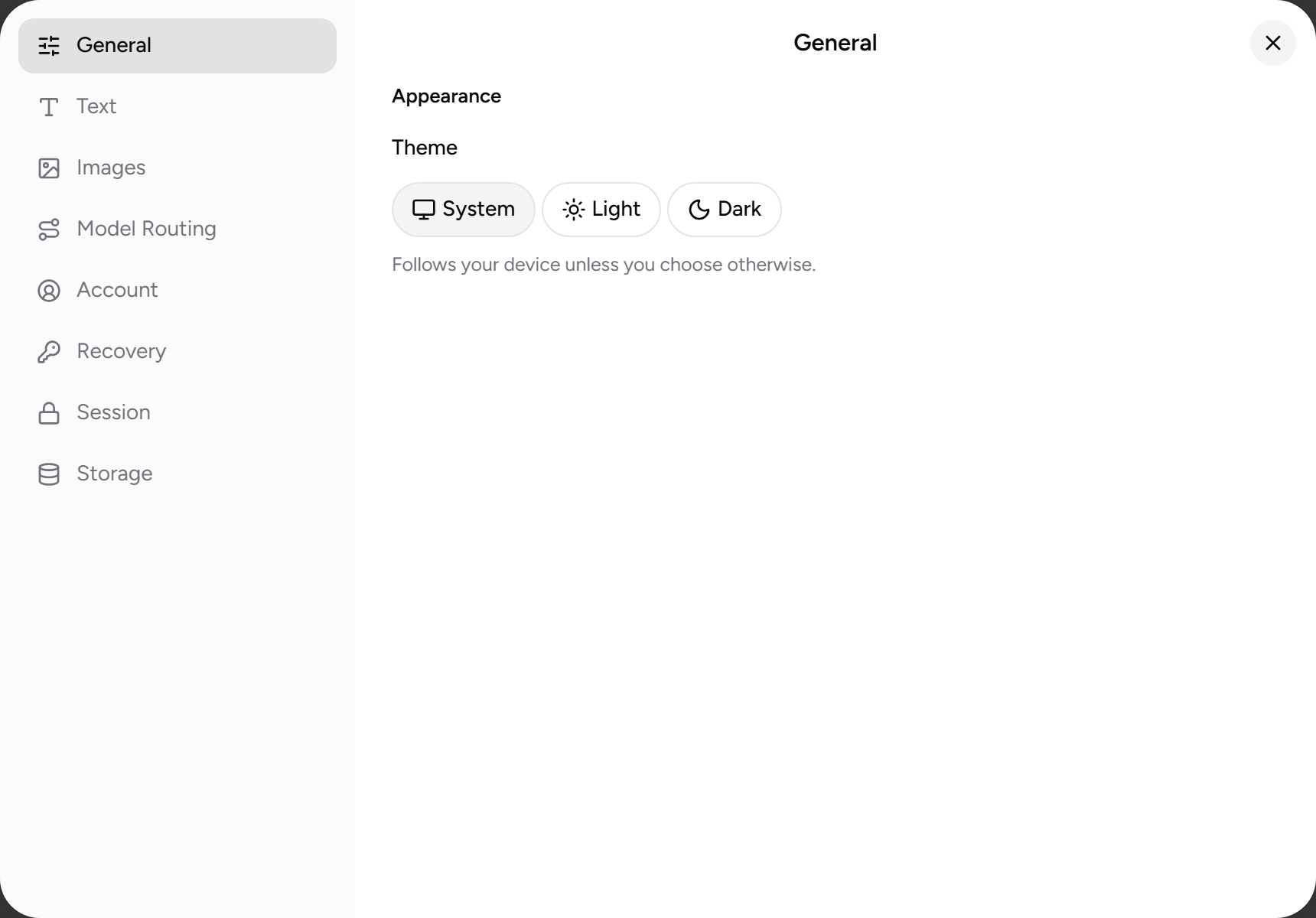
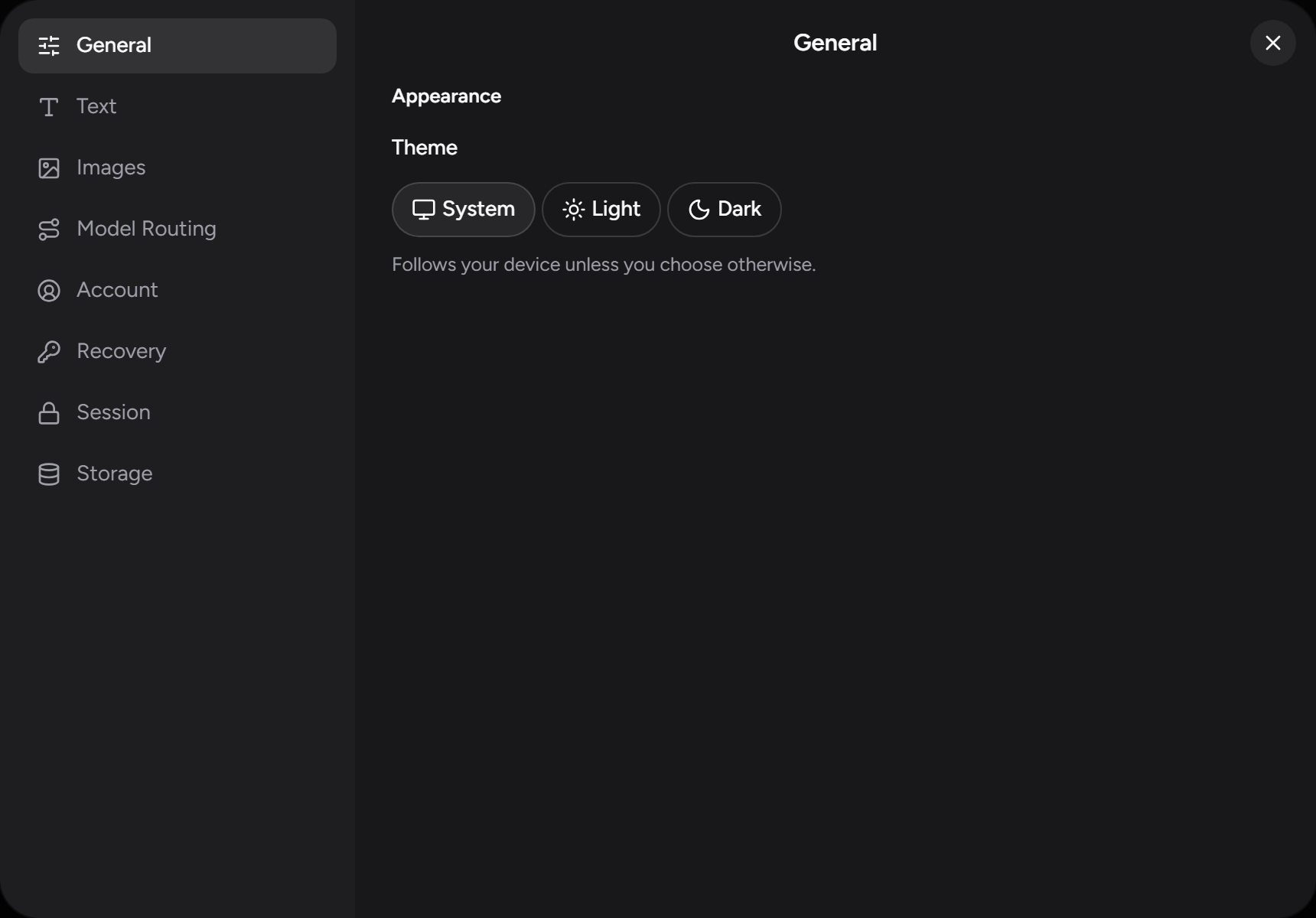
General
| Setting | What it does |
|---|---|
| Theme | System, Light, or Dark. |
| Conceal chat titles in sidebar | Blurs the titles of inactive chats so someone glancing at your screen can't read your history; a title clears when you hover it. The eye icon at the top of the sidebar and ⌘ ⇧ H (Ctrl ⇧ H) toggle the same setting. |
Account
| Setting | What it does |
|---|---|
| Display name | Optional, stored encrypted on your device. It's a label for you, not an identity we hold. |
| Wallet address | Your account's Algorand address, with a copy button. You deposit to and withdraw from this address — see Funding. |
| Move to a new account | Sign out and start a migration that carries your funds, history, and settings to a brand-new passkey, then closes the old account. See Recovery. |
Session
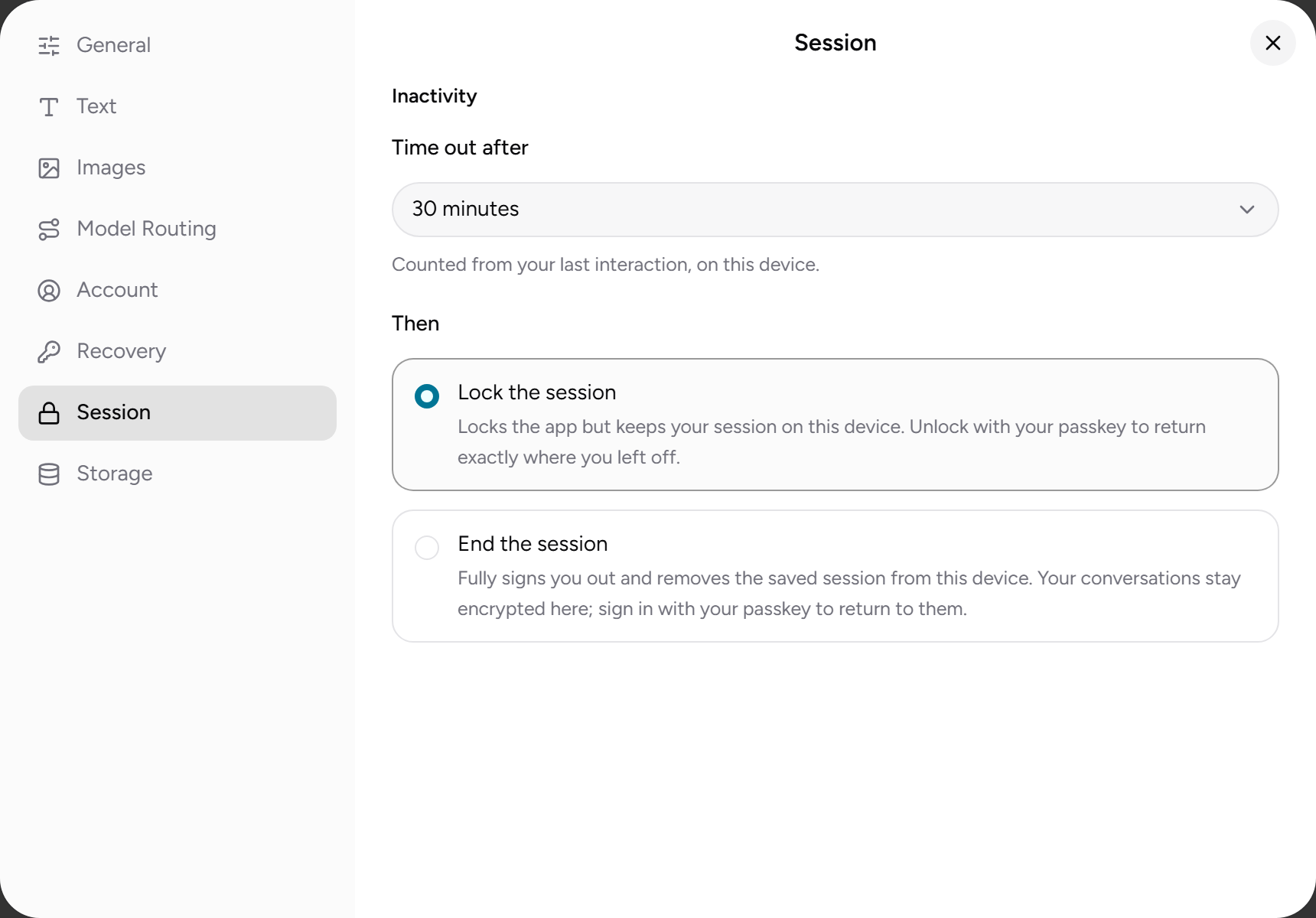
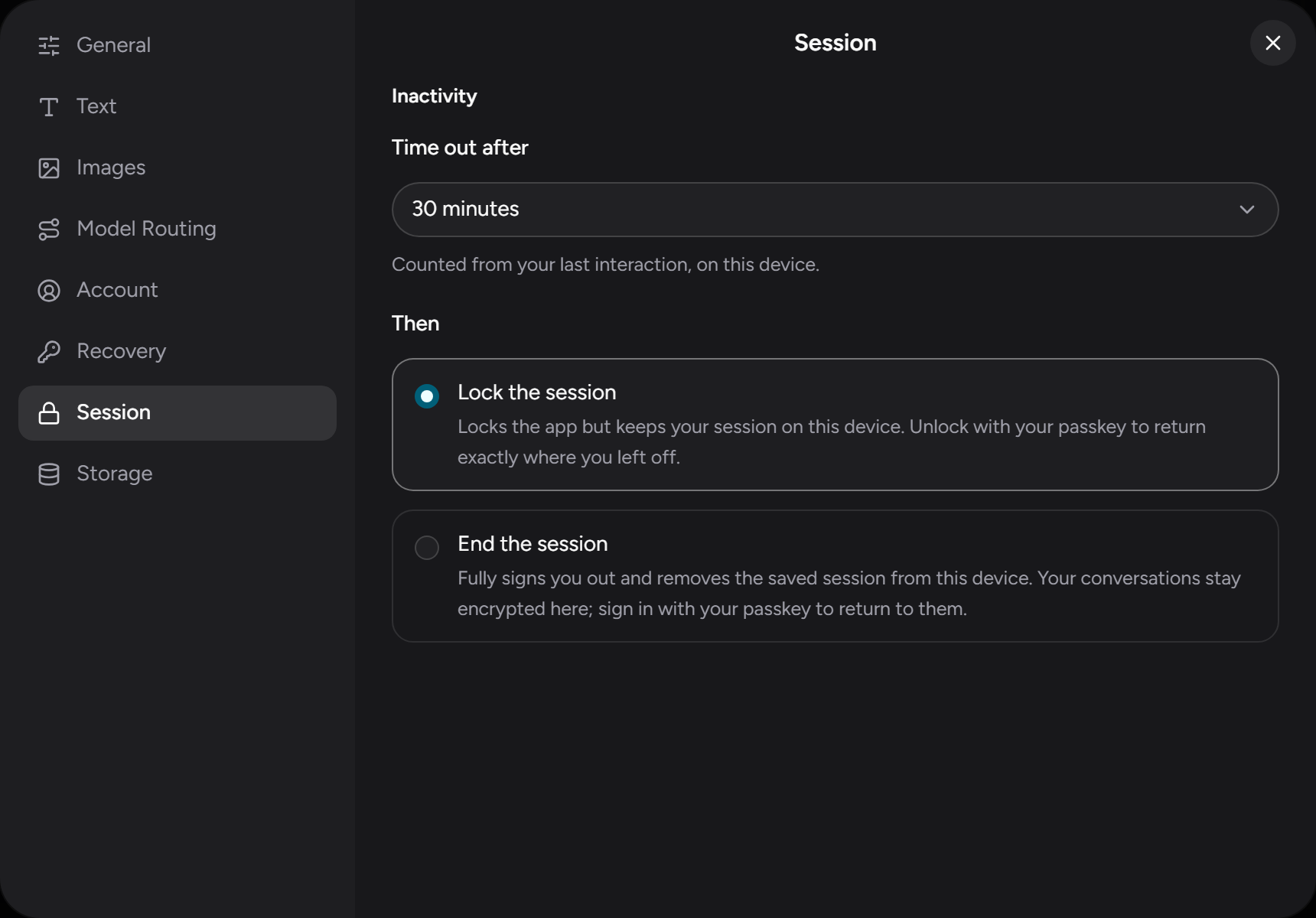
Controls what happens when you're inactive — see Privacy & security:
| Setting | What it does |
|---|---|
| Timeout | 1 minute to 24 hours (default 30 minutes). |
| Posture → Lock the session | Locks the app but keeps your session on this device; unlock with your passkey to return where you left off. |
| Posture → End the session | Signs you out and removes the saved session from this device. Your conversations stay encrypted here and come back when you sign in again with your passkey. |
Text
System prompt
| Setting | What it does |
|---|---|
| Global | Standing instructions for the model (role, tone, preferences), sent with every new chat. Stored encrypted on your device. You can override it for a single chat from the composer. |
| Send platform context | Includes a short description of ZeroSignal with your request, so the model can answer questions about the app. Details of the active model are always included. |
| Show what ZeroSignal sends | Expands to the exact text the app adds to your request. |
Sampling
For text models you set at most one sampling parameter. Picking Temperature clears Top P, and vice versa:
| Option | Range | Description |
|---|---|---|
| Model default (the default) | — | Send neither parameter and let the model decide. |
| Temperature | 0.0–2.0 | Higher is more varied, lower is more deterministic. |
| Top P | 0.0–1.0 | Nucleus sampling cutoff. |
Tools
On/off switches for the built-in tools a model may use while it answers. The same switches appear in the composer's settings popover.
| Setting | What it does |
|---|---|
| Web search | Lets the model search the web and open links when the operator supports it. Off means no search tool is sent with your request, so nothing is searched or fetched at all — including on a confidential node, which can offer these tools as well. |
| Image generation | Lets the model create or edit images mid-chat. When it's on, Images per request (1, 2, 4, or 8; default 1) caps how many images a single request may produce; off means none. The cap's cost is reserved when you send and refunded if unused — see Pricing. |
| ZeroSignal docs | Lets the model look up these help pages to answer questions about the app. The lookup runs on your device, costs nothing to run, and sends nothing anywhere, but the model may spend an extra paid round using it. On by default. |
Connectors
Apps the model can look things up in, read-only, and how much it asks you first. Connectors are in Beta. See Connectors.
| Setting | What it does |
|---|---|
| Your connectors | Connect Linear, Notion, Google Drive, or a Local folder, and manage each one from its row. A connected app appears in every chat's + menu, where you switch it on for that chat. Connections are stored only on this device. |
| Only use attested nodes for connectors | Off by default. Connector content goes only to hardware this browser has verified, where the operator can't read it. While no such node is available, connectors pause. See Attested nodes. |
| Ask before each lookup | On by default. Each lookup waits for you to allow or deny it before it runs. See Approving lookups. |
| Review results before sending | Off by default. Each lookup's result waits for you to send it, or not, before the model reads it. |
| Always allowed in every chat | Listed once you've chosen Always allow for a connector in every chat. Remove makes it ask again. |
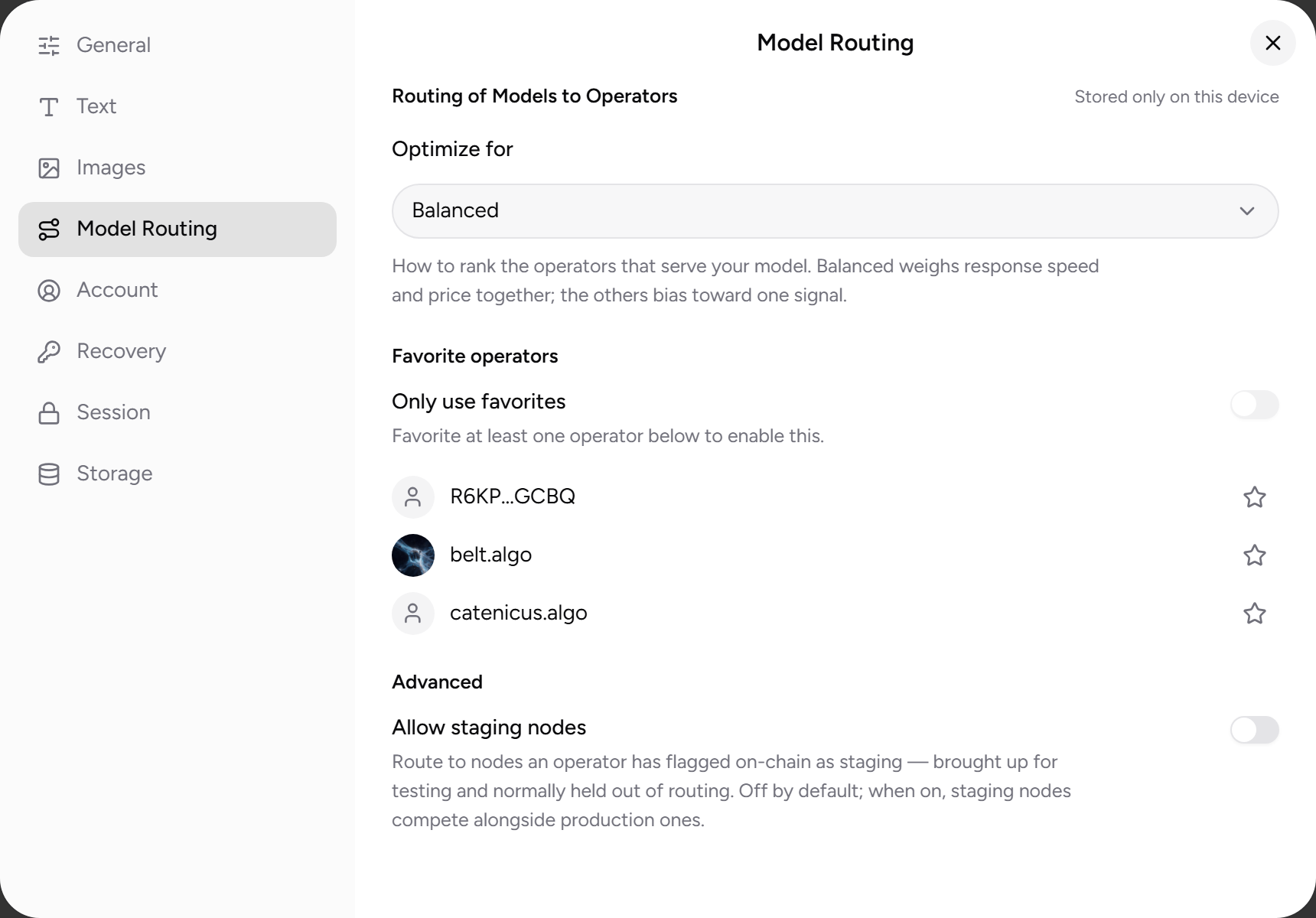
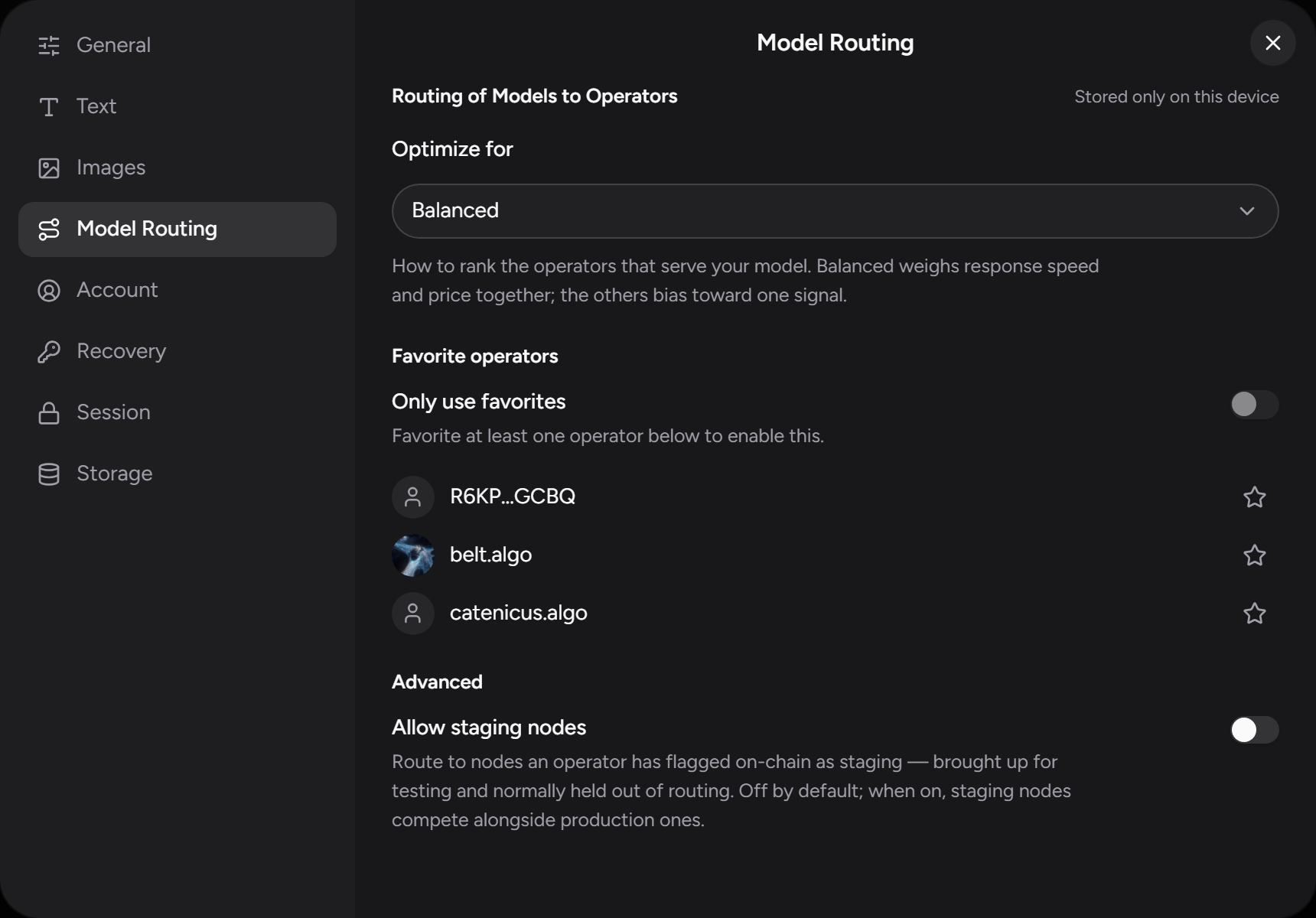
Model routing
Controls how Auto mode picks an operator when several serve the model you're using:
| Setting | What it does |
|---|---|
| Optimize for | What Auto optimizes for: Balanced (default), Cheapest, Fastest to first token, or Fastest streaming. |
| Operator favorites | Star operators to prefer them in Auto, and toggle only favorites to restrict Auto to the ones you've starred. Each is listed by name and avatar where it has an NFD, and the name links to its NFD profile. |
| Allow staging nodes | Include operators' staging nodes in routing, and in the model picker. Off by default, so a model served only by staging nodes doesn't appear at all until you turn this on. Turn it on only if you're deliberately testing against one. This is a per-device setting. |
| Only use attested nodes | Route only to nodes running confidential compute whose attestation this browser has verified itself. Off by default. While it's on, a model no attested operator serves is unavailable, and today that's most models. Your browser checks the node's hardware evidence itself, so an operator can't get the attested verdict by claiming it. See Retention and attestation badges. |
| Combine equivalent models across providers | Show the same model as one entry even when operators spell its name differently, and route across all of them using your Optimize for preference. Models are matched by their weights digest, or by the HuggingFace source they declare when no digest is published — never by guessing from the name. |
IP Privacy
Two device-wide settings that govern who can see your network address. Both are stored only on this device — see Privacy & security.
| Setting | What it does |
|---|---|
| Route requests through a relay | On by default. Sends each request through a relay operator so the node that answers it never sees your IP address — see Relays. Off is a little faster, but the answering node then sees your IP. |
| Algorand node | Balance checks and payments go to a public Algorand node by default, which can see your IP. Paste the URL of a node you run or trust to keep them private; leave it blank for the default. Add an Algorand API token below only if that node requires one; most public endpoints don't. |
Storage
| Setting | What it does |
|---|---|
| Sync your chats | Keep your conversations on every device, through a folder or a storage bucket you own. Everything is encrypted before it leaves the device, so whatever holds it can't read it. See Syncing your chats. |
| Back up chats | Download an encrypted file containing all your conversations, in the same encrypted form your history is stored in, so it's safe to keep anywhere. |
| Restore from backup | Load a backup file. Restoring merges into what's already there and de-duplicates by conversation, so it never wipes your current history. |
Backups and synced files are tied to your account's keys. On a fresh passkey, a backup you restore or a synced folder you open is readable once you've restored your account — see Recovery.
Recovery
Reveal and save your 24-word recovery phrase — see Recovery.
Developer
Present only in builds with diagnostics enabled. Its one switch, Show "Help us
debug", adds a Help us debug entry to the sidebar (and the ⌘ ⇧ D /
Ctrl ⇧ D shortcut) that opens a local diagnostics journal you can attach to
bug reports. Diagnostics stay on your device until you choose to share them.