Models & operators
ZeroSignal isn't tied to one AI provider. Models are served by independent operators on an open network. The model picker reads the catalog live from an on-chain registry, and anyone can run an operator and list models on it. For how operators are paid and kept honest, see The operator network.
The model picker
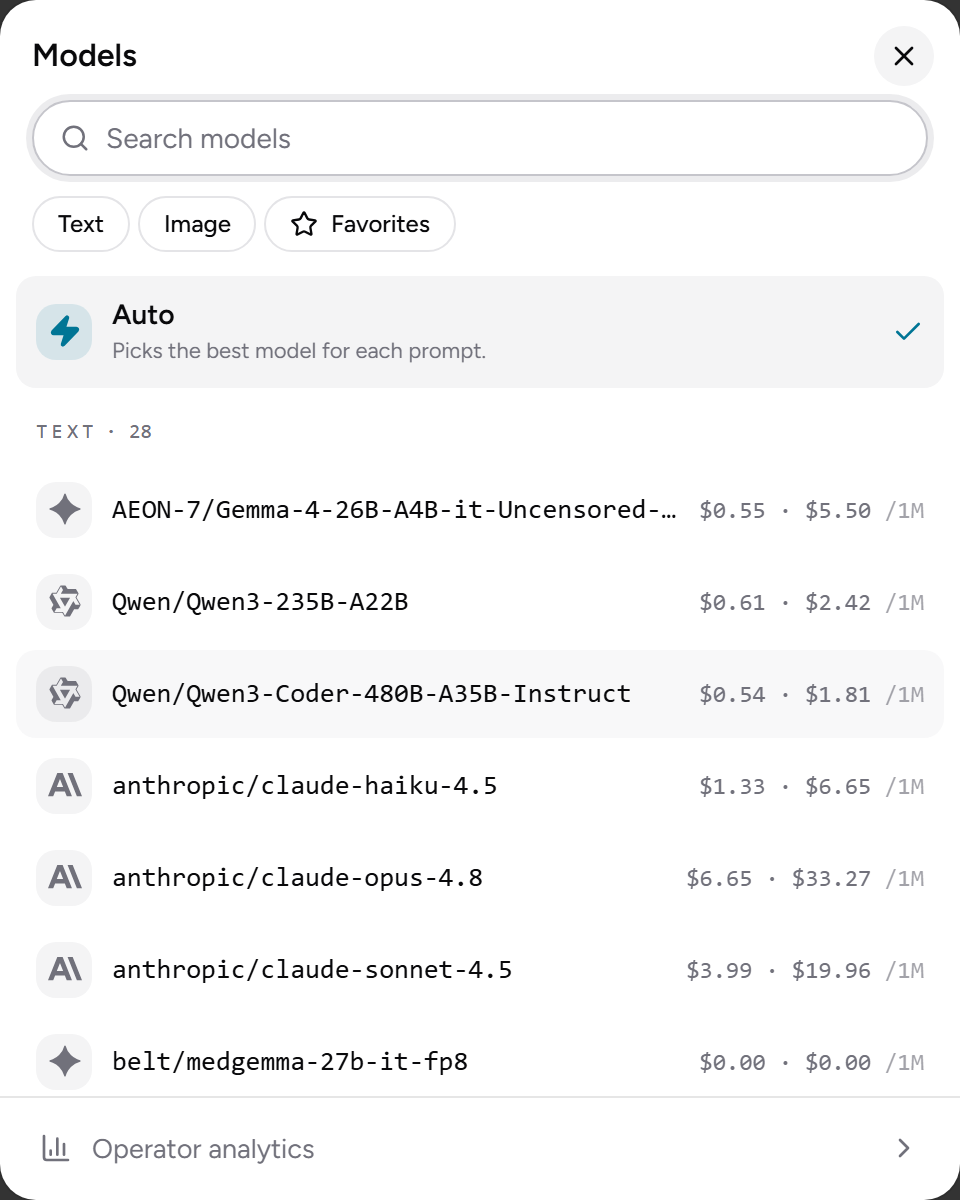
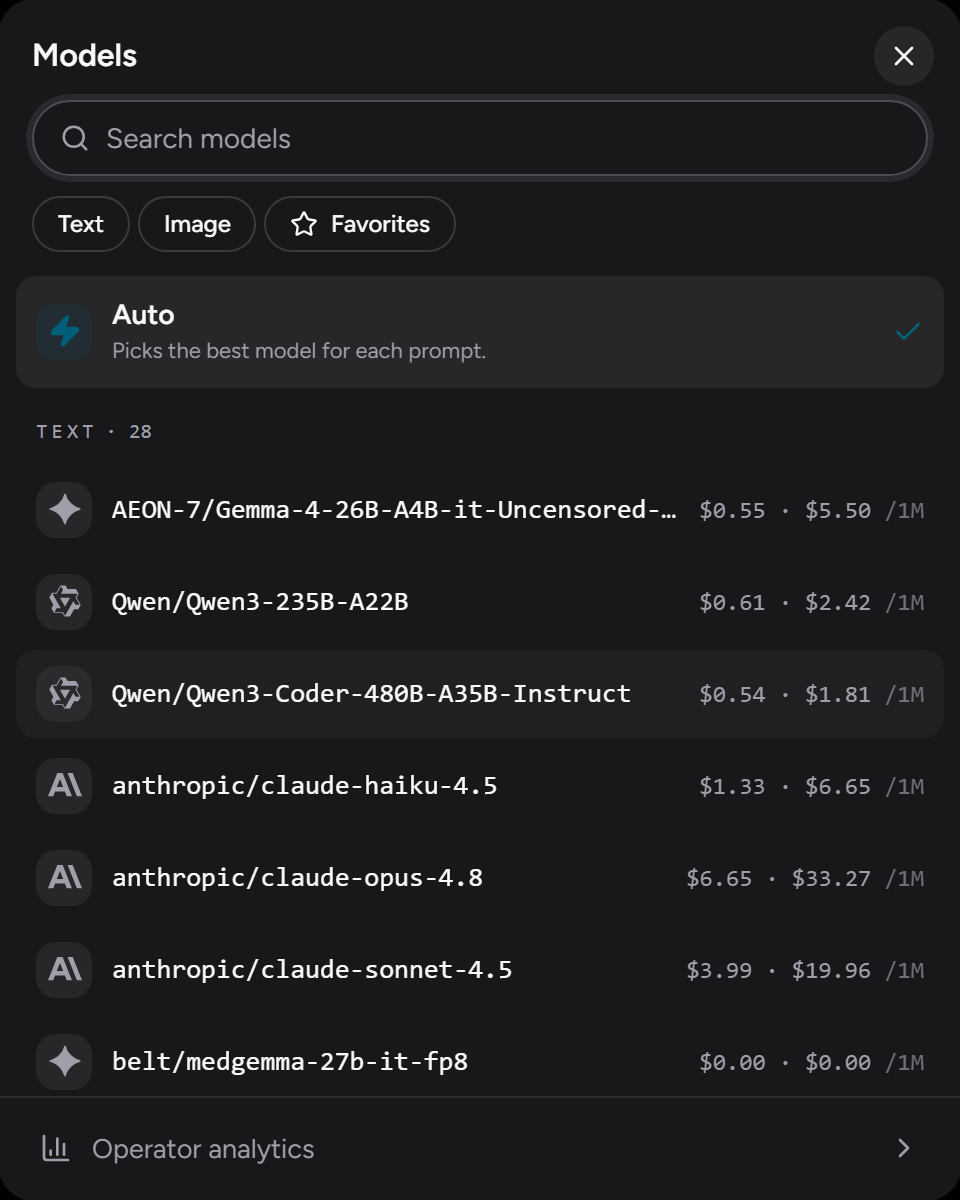
Open the picker from the composer to browse what's available:
- Filter by Text, Image, or your Favorites; search by model name.
- Star models you use often to pin them under Favorites.
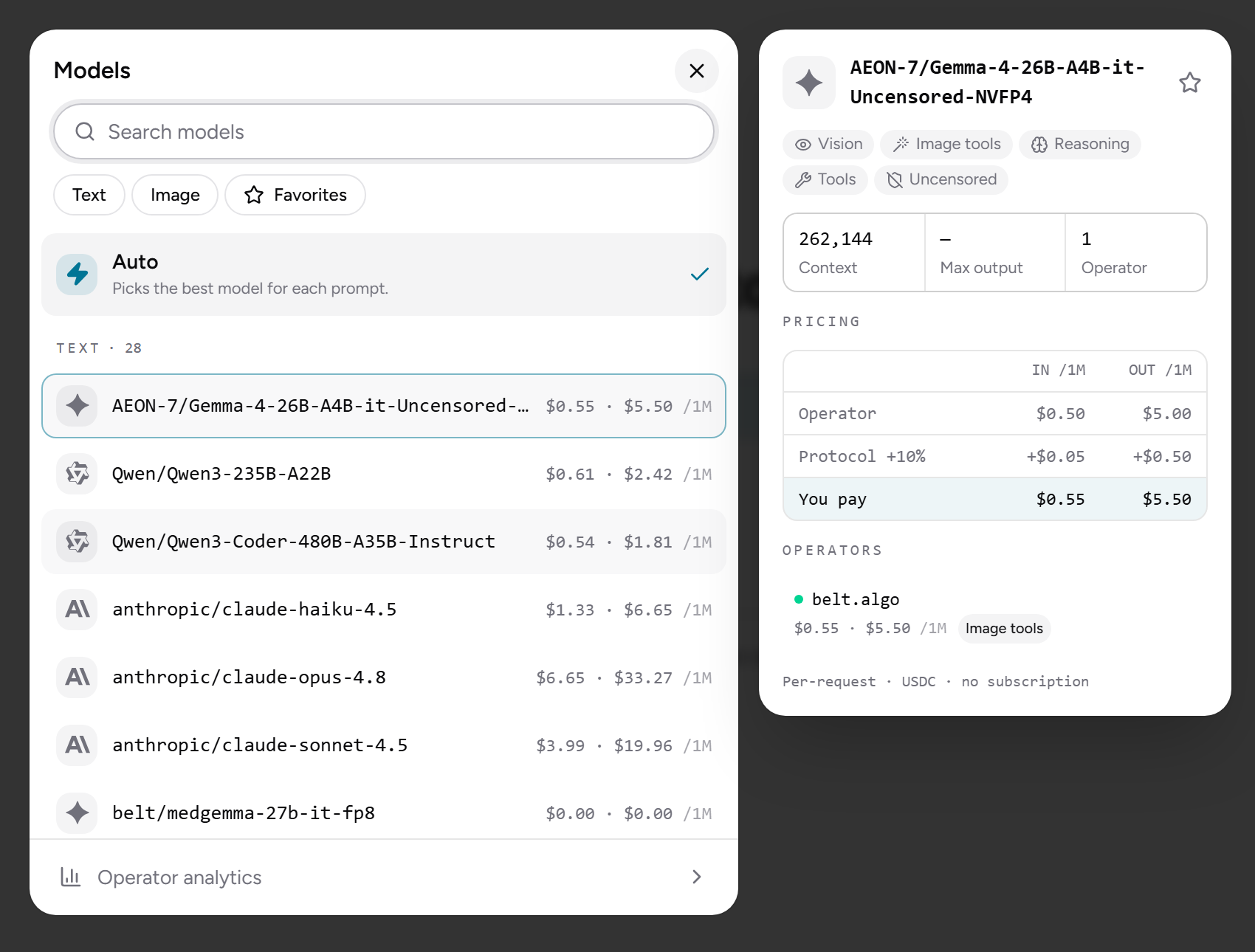
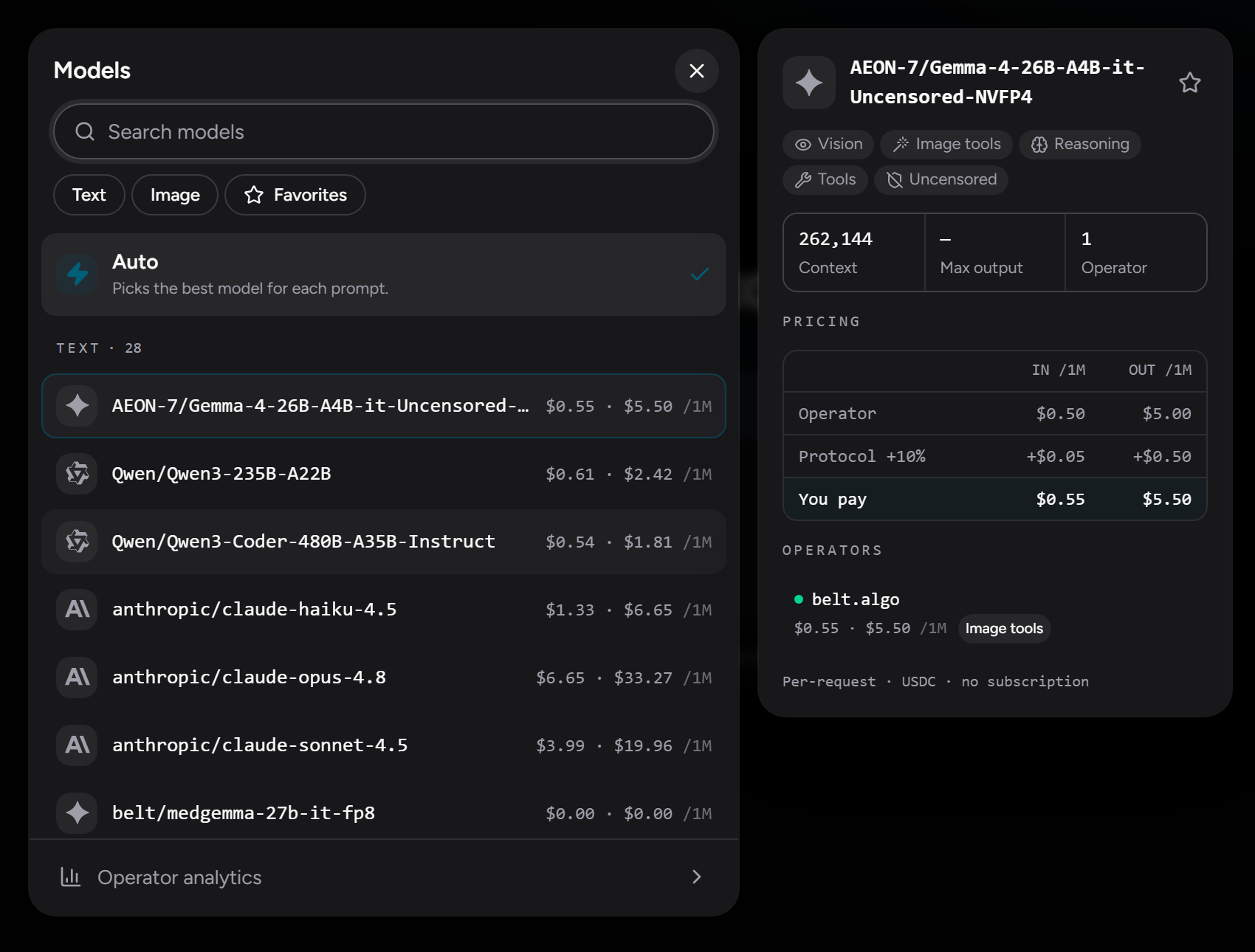
- Each model shows capability badges — Vision (reads images), Generation / Edit (makes and modifies images), Image tools, Reasoning, and Tools — plus tags from the model's HuggingFace card, such as Code, Medical, X-ray, Nsfw, or Uncensored. Tags are neutral labels for what a model is for or may produce, not warnings.
- Each model shows its live rate in dollars per million tokens (input · output), all fees included — see Pricing.
The Tools, Image tools, and Generation / Edit badges mark models that can use built-in tools such as web search and image generation.
A model's details show its context window, maximum output length, how many operators serve it, and a description, then the operators. Each operator has badges for the weights it runs, what happens to your prompt once it arrives, and whether your browser has verified its hardware (see Retention and attestation badges). For models that support it, reasoning effort is set in the composer's settings popover, not here.
Multiple operators per model
The same model is often served by several operators, each setting its own price. The picker lists them so you can choose one or take the default. The app continuously probes operators for reachability and compatibility, and flags any that are offline or incompatible before you send to them.
Retention and attestation badges
Beside each operator in a model's details are badges that say what happens to your prompt once it leaves your device. These badges don't affect routing, except attestation when Only use attested nodes is on.
The retention badge is the operator's own statement about where your prompt comes to rest. Hover it for the full wording. From strongest evidence to weakest:
| Badge | What it means |
|---|---|
| Not retained (attested) | The model runs on weights inside confidential hardware, so your prompt never leaves the node to answer you, and the node can't log it. The only tier that is checked rather than stated: your browser shows it only after verifying the node's hardware evidence itself. |
| Not retained upstream (confirmed) | The operator forwards to a hosted provider that confirms zero data retention on every reply, and the node refuses any reply that doesn't. |
| Not retained upstream (enforced) | The node requires zero retention on every request it sends out, but nothing confirms the requirement was honoured. |
| No upstream provider | The model runs on the node's own hardware, so the prompt reaches no third party to be answered. Whether the node keeps it is the operator's commitment, not something you can check. |
| Not retained (operator's word) | The operator states it has a zero-retention agreement with its provider. Unverified. |
| Retention not stated | The operator reports nothing, which is the case for most hosted providers. It doesn't mean your prompt is kept, only that nothing here tells you either way. |
Every tier but the first describes the destination: it says nothing about whether the node itself logged your prompt on the way past. Only confidential hardware gives evidence about that, and the attestation badge reports it.
Every tier describes the route the node takes to answer you. It isn't a promise about a tool you switched on: a web search has to reach the internet, so its query goes out whatever the badge says. With Web search off in Settings → Tools the badge holds without qualification. See Built-in tools.
The attestation badge appears only on operators that advertise confidential compute. Confidential nodes are live but not the default, so most operators show no attestation badge. Hover it for the detail:
| Badge | What it means |
|---|---|
| attested | Your browser fetched the node's hardware evidence and verified it against Intel's certificate chain and a build we published. The evidence also covers the list of models the node offers, and the card tells you whether the model you're viewing is on that list. |
| unknown build | The hardware is genuine, but the software isn't a release we recognise. |
| unattested | The evidence didn't check out, and the detail gives the reason. If it says Node software out of date, the node runs a release from before the model-list check, and its operator needs to update it. That alone is not a sign of tampering. |
| not checked | The evidence couldn't be fetched — for example, when no relay was available to fetch it without revealing your IP. |
For a verified node, the same card links to Phala's trust center and node information page, where Phala, the platform hosting the node, publishes the same evidence independently of us. Verifying an attestation yourself explains what those checks prove.
To route on attestation, turn on Only use attested nodes under Settings → Model routing. It's off by default. While it's on, the app refuses every node your browser hasn't verified, so a model no attested operator serves is unavailable — most models, today.
How operators are named
An operator that has linked an NFD (an Algorand name) is shown by that name, with its avatar if the NFD has one, instead of a bare wallet address. The name links to the operator's public NFD profile on NFDomains.
An operator that hasn't linked one is still named if an NFD is verified against its payout address: the app looks that up on-chain and shows it the same way. An operator with neither shows a shortened payout address, which isn't a link.
The same name and avatar identify an operator everywhere: in a model's details, on the ⓘ beside an answer, and in your starred operators under routing settings.
Auto mode
Auto reads your message and routes it to a topical lane — general chat, code, reasoning, or image — then picks an available model and operator for that lane, favoring the cheapest qualifying option (subject to your routing preferences). It doesn't grade prompts by difficulty or send "hard" questions to a "stronger" model; there's no distinct reasoning tier in the catalog today.
The routing runs entirely on your device, so your prompt isn't shared with any routing service.
No censorship
Operators decide what models they serve and under what policies, and you decide what you use. The picker's tags tell you what to expect from each model.