Recovery
Your passkey is the only way into your account. There's no email reset, and no support ticket can restore it. Your recovery phrase is the backup.
Your recovery phrase
The recovery phrase is 24 words that encode your account's keys. Anyone with the phrase controls the account and the funds in it.
To save it, open Settings → Recovery → Reveal. Revealing it re-verifies with your passkey first.
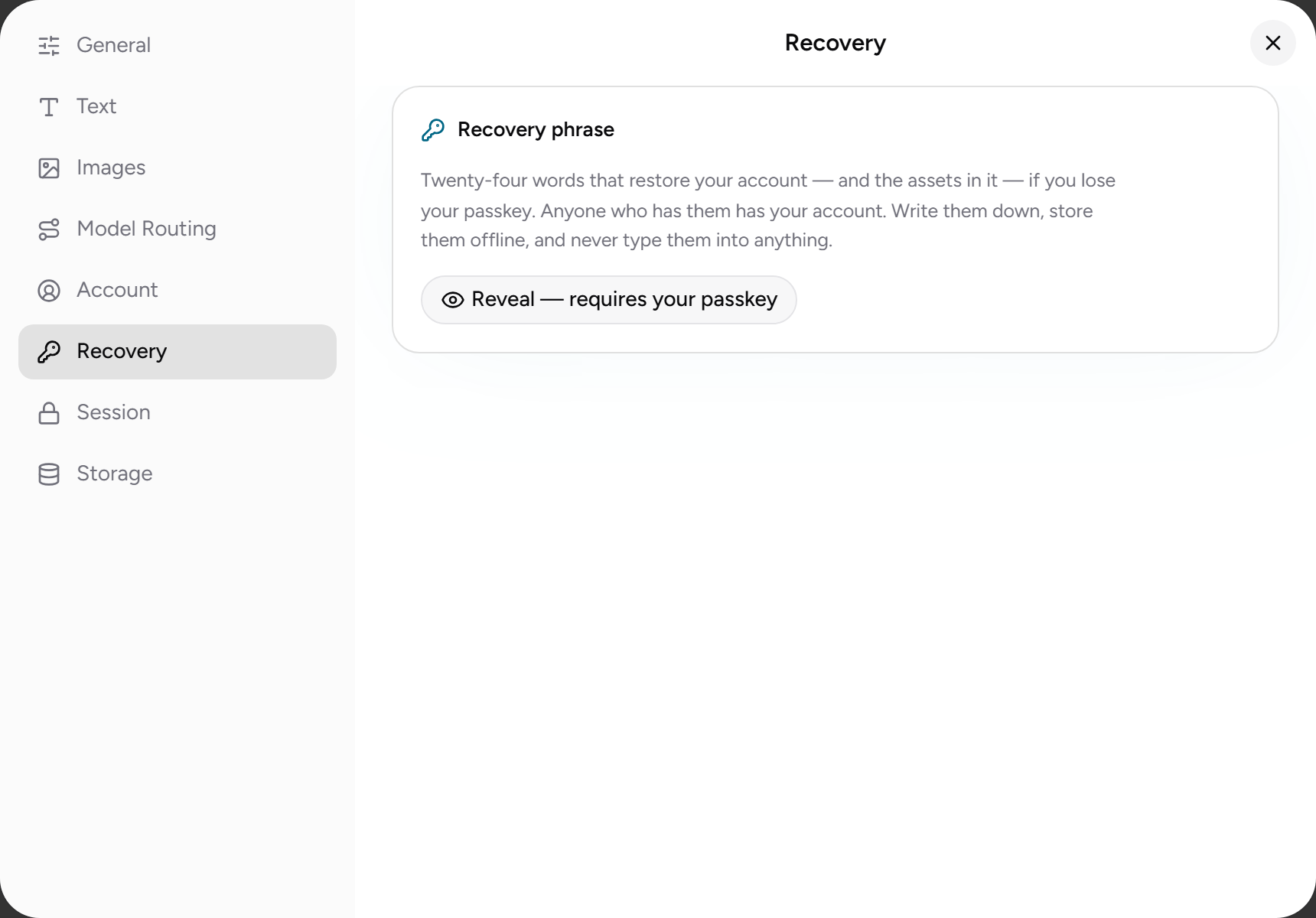
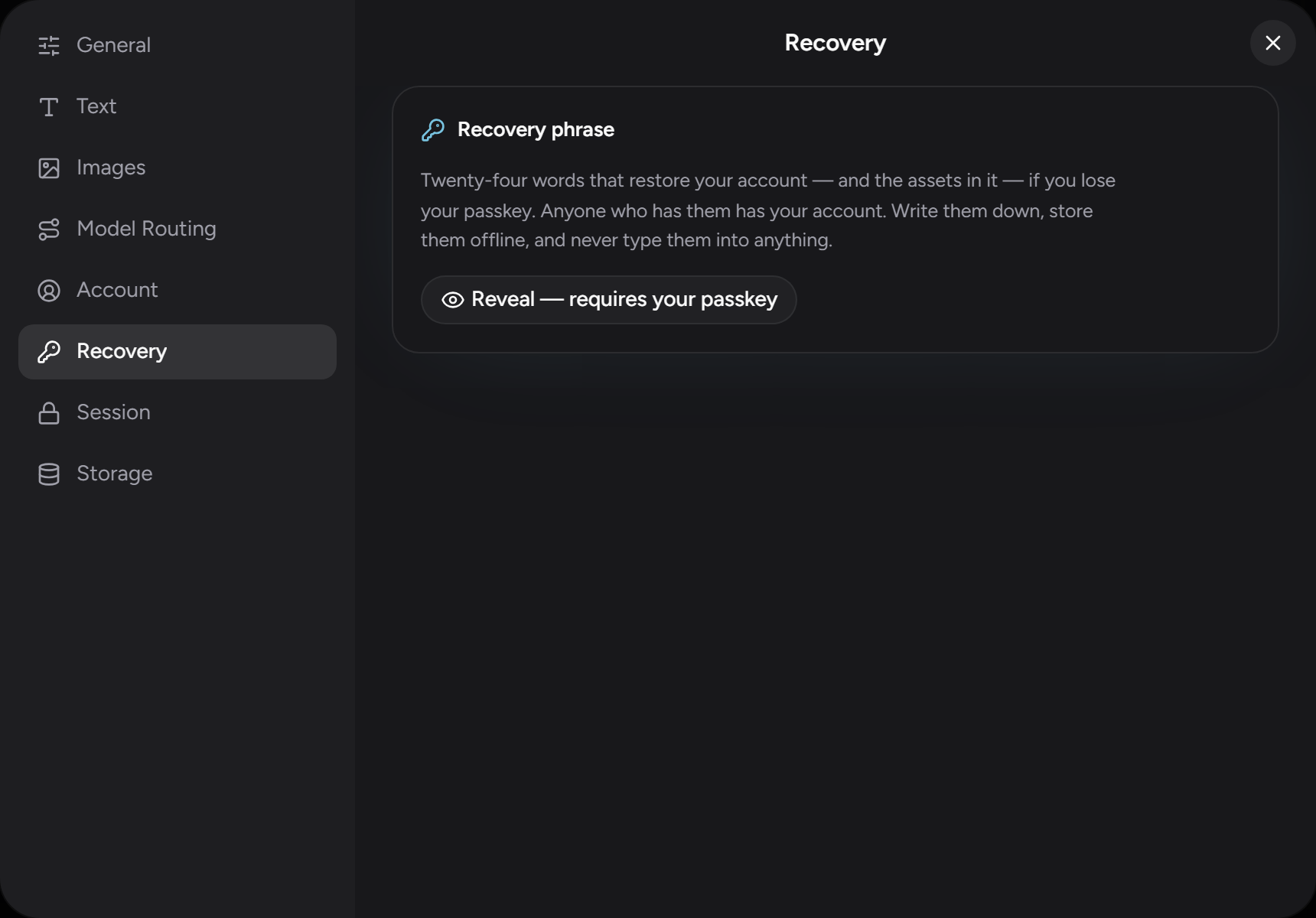
Treat the phrase like a password:
- Write it down and store it offline.
- Never type it into a website, email, or chat.
- Never share it — no one legitimate will ever ask for it.
Restoring access
If you lose your passkey (lost device, cleared passkey manager), choose Recover or migrate an account on the sign-in page. If you're locked out of an already-open session, the lock screen offers the same path under Lost your passkey?. Then:
- Enter your 24-word recovery phrase.
- Create a fresh passkey on the device you're using.
- Your funds are moved from the old account to the new one, and your conversation history is rebound to the new passkey.
From then on, the new passkey is your account — the old one is retired.
Using the phrase in other wallets
The phrase is a standard 24-word (BIP-39) phrase. You can also import it into an ARC-52-aware Algorand wallet, such as Lute, to reach the same account directly, without ZeroSignal — see Why use crypto?. Reaching the same address requires ARC-52 / hierarchical key derivation, so a wallet that only imports a classic 25-word Algorand mnemonic won't land on it.
Using the phrase with the proxy
The same phrase brings your account to the proxy, the CLI
tool that lets your editor or other AI tools use ZeroSignal, via
zs-proxy wallet import. Or sign in with zs-proxy wallet login to pull the
account across with nothing to paste. See
Wallet & funding.