Privacy & security
ZeroSignal doesn't know who you are and doesn't keep your conversations.
No identity to begin with
There's no email, phone number, or card on file. Your passkey is your account, and you pay with pseudonymous crypto, so there's no profile to leak or subpoena.
Encrypted end to end
Your device encrypts every prompt to the node that will answer it, and only ciphertext crosses the network. By default, each request goes through a relay run by a different operator. The relay sees your IP address but can't read the request; the answering node reads the request but sees only the relay's address. No single party holds both your IP address and your prompt. The node encrypts its reply under a fresh key, and it comes back the same way.
Turning off Route requests through a relay in Settings → IP Privacy is slightly faster, but the answering node then sees your IP. See Relays for how relays are chosen.
The key your prompt is sealed to rotates and is erased from memory, so a key recovered later can't decrypt earlier prompts.
What the operator can see
The answering node has to decrypt your prompt to run the model. Who can read it depends on the node:
| Node | Who can read your prompt |
|---|---|
| Standard | The answering node, and any hosted model provider it forwards to. The node's operator could read the prompt while the model runs. The retention badge shows what's declared about where your prompt ends up. |
| Confidential (TEE) | Not the operator: the prompt is decrypted only inside attested hardware. A node that runs the model there keeps the prompt inside it; one that forwards to a hosted provider may only use a declared zero-retention provider. |
Confidential nodes aren't the default; only some operators run them. Your browser checks each one's hardware evidence and shows the result as an attestation badge. Turn on Only use attested nodes in Settings → Model routing to send only to nodes that pass. A model's details show each node's badges — see Retention and attestation badges — and Verifying an attestation explains what the badge proves and how to check it yourself.
On either kind of node, the operator never learns your identity. It sees the pseudonymous payer address that funds the request — a stable on-chain address, not a name or contact — and, with relaying on, never your IP.
Built-in tools such as web search run on the operator's node, so a site the model fetches sees the operator's address, not yours.
That applies on a confidential node too, and it's the one thing the table above doesn't cover. A search query or a page URL has to reach the open internet, so it leaves the attested hardware even on a node that runs the model inside it. It leaves only if you asked for it: with Web search off in Settings → Tools, no search tool is sent with your request, and the table's row for that node holds without qualification.
Connectors are sent like anything else in your prompt: what the model reads from Linear, Notion, Google Drive, or a local folder goes to the answering node, and the table above says who can read it there. ZeroSignal never sees it; see What each party can see.
Bring your own node
The app also talks to the Algorand blockchain to show your balance and send payments. By default those calls go to a shared public Algorand node run by a third party. It never sees prompts or replies, but it sees your IP address alongside the pseudonymous address you check and pay from.
To avoid that, set Algorand node in Settings → IP Privacy to a node you trust:
- Run your own node. A node you run answers these calls, so no third party sees them. See Algorand's node documentation.
- Use a provider you choose. Nodely, for example, publishes its endpoints and offers dedicated tiers. Paste an API token only if the node requires one; most public endpoints don't.
Leave both fields blank to use the default public node.
Whatever you connect to first sees your real IP: the relay, the answering node if relaying is off, or the Algorand node. To hide it from that hop too, use a VPN or Tor.
Your history stays with you
Conversations are stored on your device, encrypted at rest — see Conversations & history. We don't keep server-side copies.
Syncing is optional and goes to a folder or S3-compatible bucket you choose, never to us. Files are encrypted on your device with a key derived from your passkey, so the storage provider sees only file counts, sizes, timestamps, and how many devices you sync from — see What the storage can see.
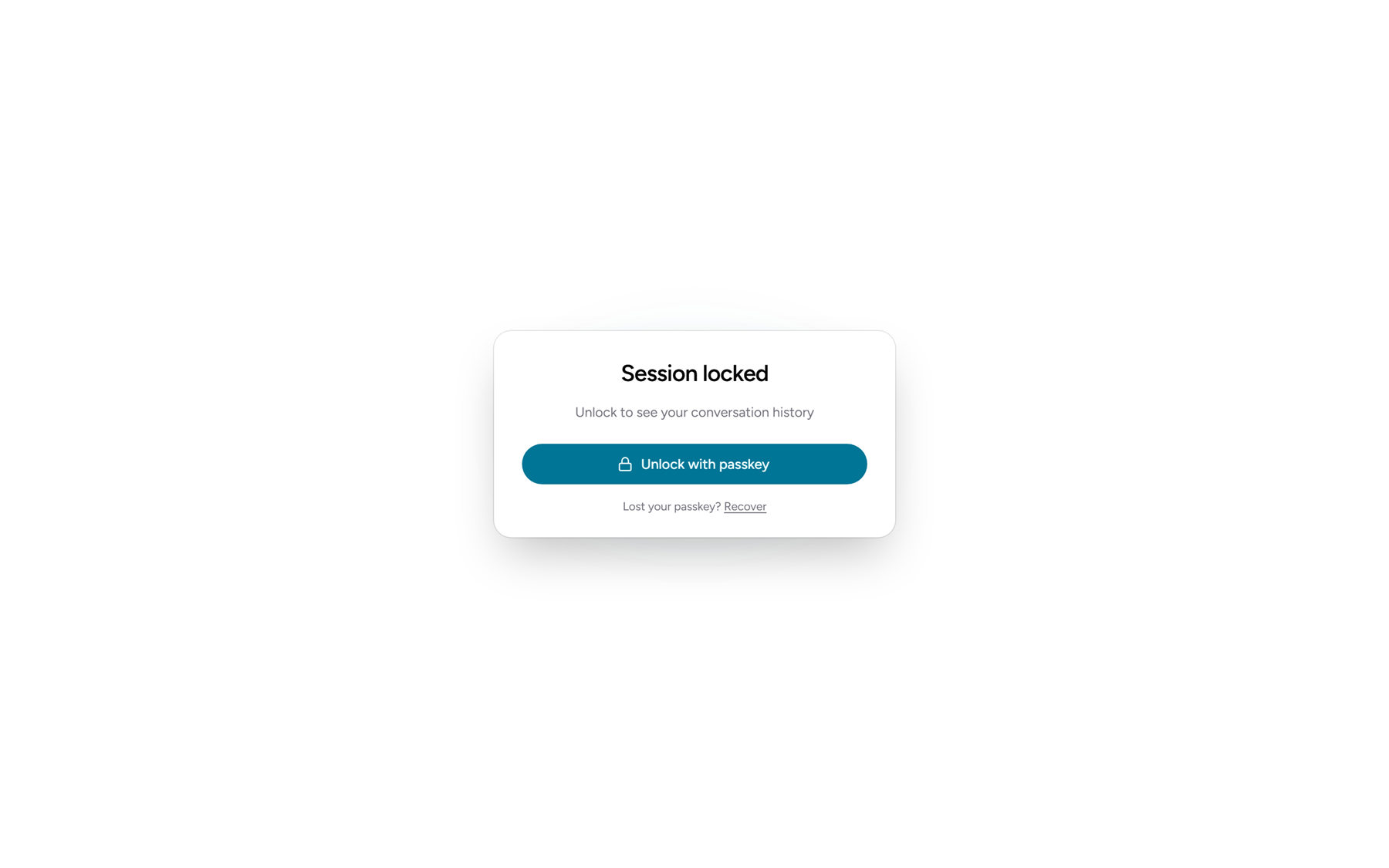
Session lock
ZeroSignal locks after a period of inactivity: 30 minutes by default, configurable from 1 minute to 24 hours. In Settings → Session, choose what locking does:
- Lock the session (default) — wipes chat keys from memory; unlock with your passkey.
- End the session — also wipes the local session from disk.
What is visible
Payments settle on a public blockchain, so payments between pseudonymous addresses are public — that's what makes them verifiable. Prompts and replies never go on-chain, and we never see them.