Funding
Your balance is held as dollars (USDC on Algorand) in a wallet only you control. Each message is paid from that balance; there's no subscription.
Using the proxy from a terminal? When it's signed in to
this account (zs-proxy wallet login), it spends this same balance, so fund it
here. For a wallet only the proxy uses, see
Wallet & funding.
Adding funds
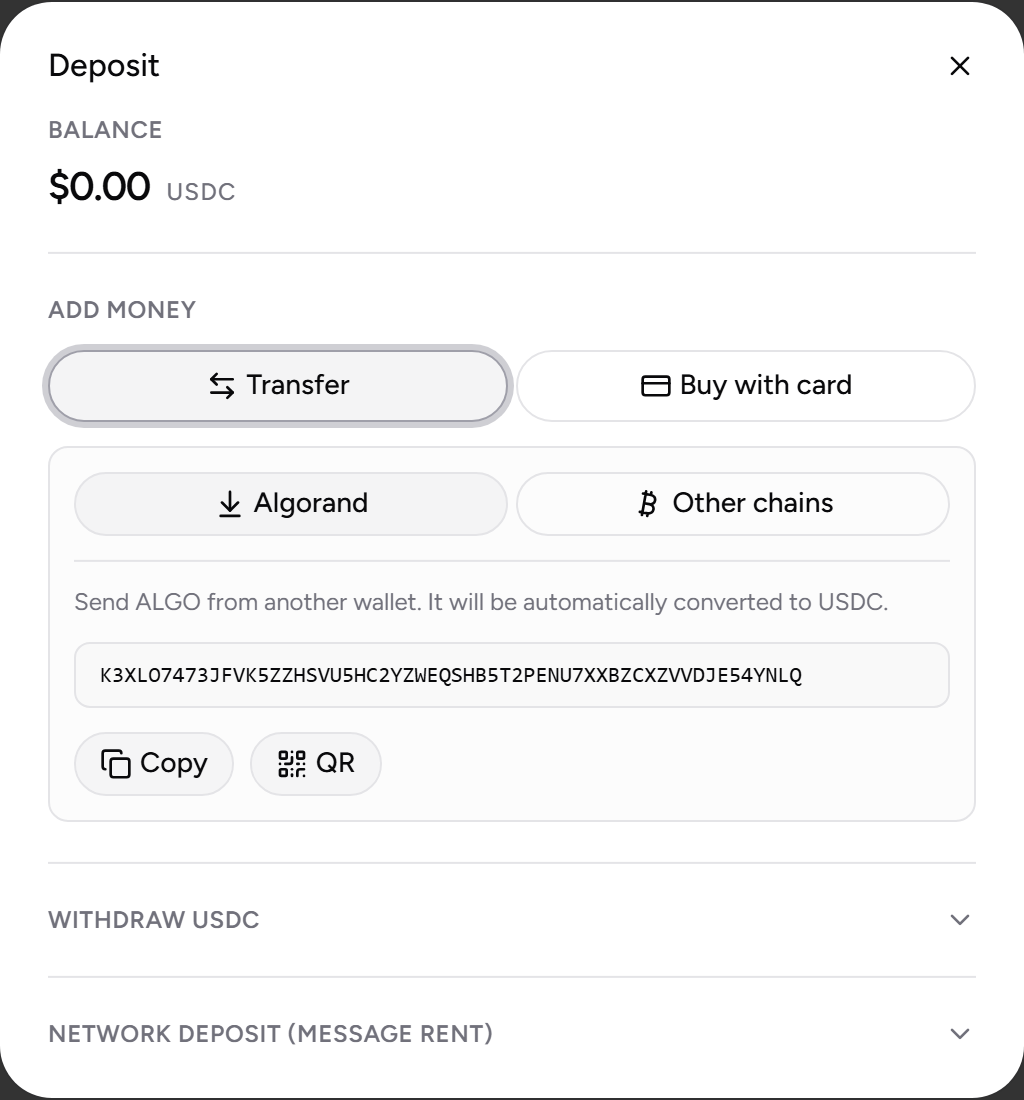
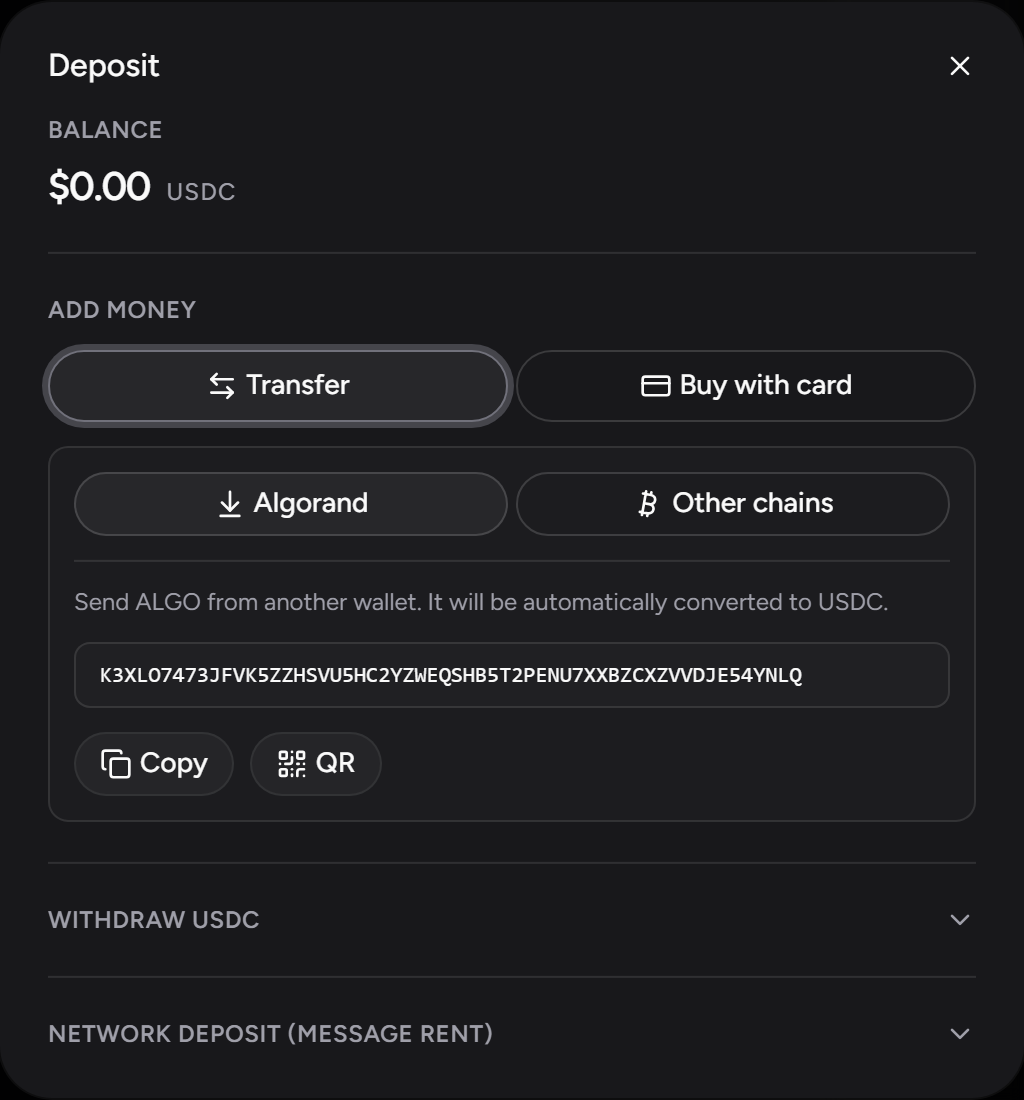
Open Deposit in the app. New accounts get the Fund your account window automatically — see the Quick start. There are two ways to add funds, and a brand-new account is also offered a free trial while the day's supply lasts:
Try it free
A brand-new account can start without paying anything. Choose Try it free in the funding window and pass a quick bot check. ZeroSignal covers your account's small on-chain setup, and you can chat on free models right away, with no card or crypto. Paid models need a deposit. The trial is offered once per account, with a daily limit on how many are given out; if it isn't available, you can still pay with a card or send crypto.
Pay with card or crypto
Pay with a debit card, Apple Pay, Google Pay, or Cash App, or send crypto from another chain or an exchange. One independent third party handles all of these and takes over the screen for the purchase. The methods on offer depend on your region. ZeroSignal never asks for, stores, or sees your personal information; any identity check the provider requires happens with them. Once your account is set up, a purchase lands as dollars (USDC). On a brand-new account, the first purchase arrives as ALGO and converts automatically — see auto-conversion.
Send ALGO or USDC
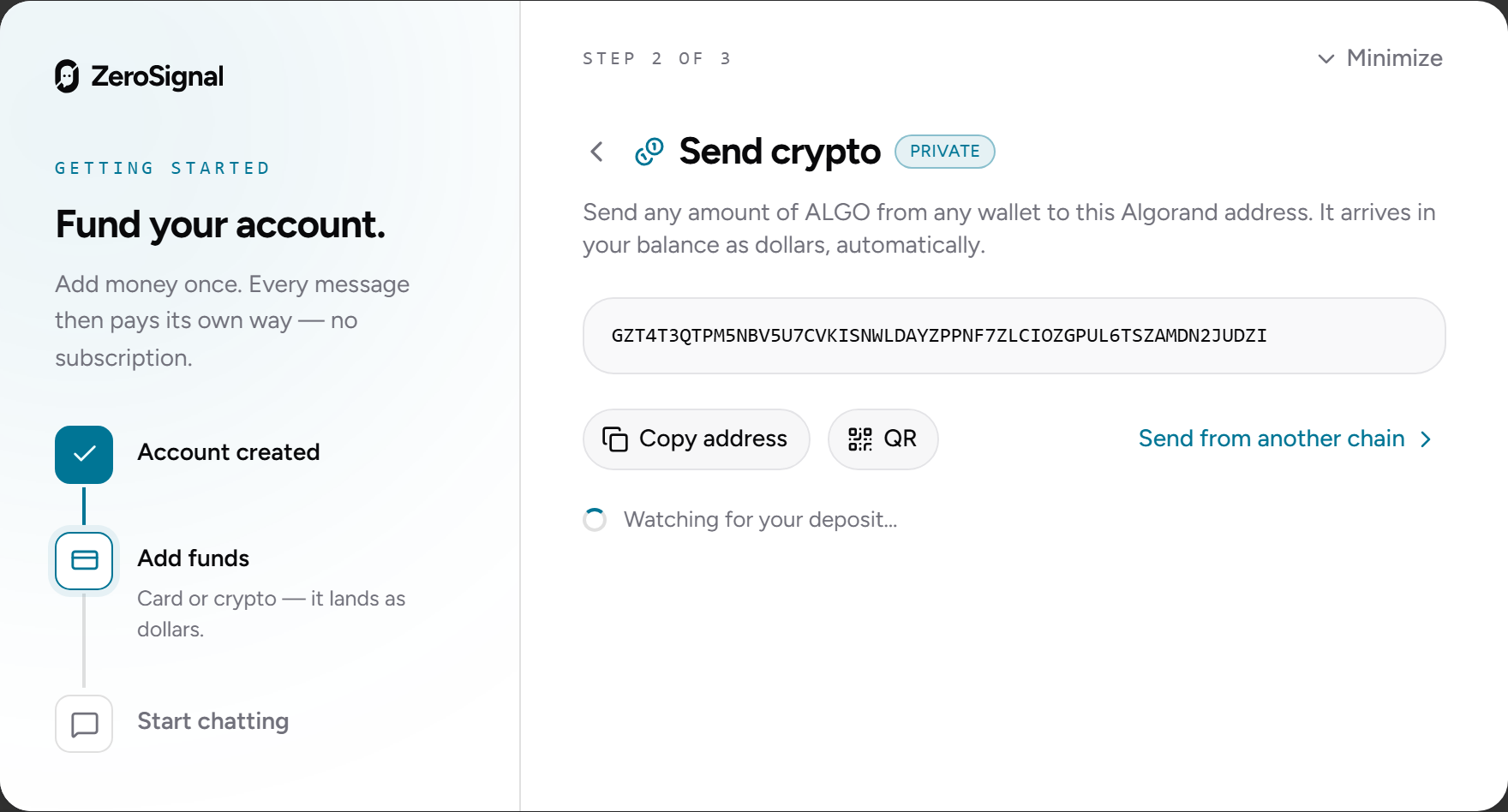
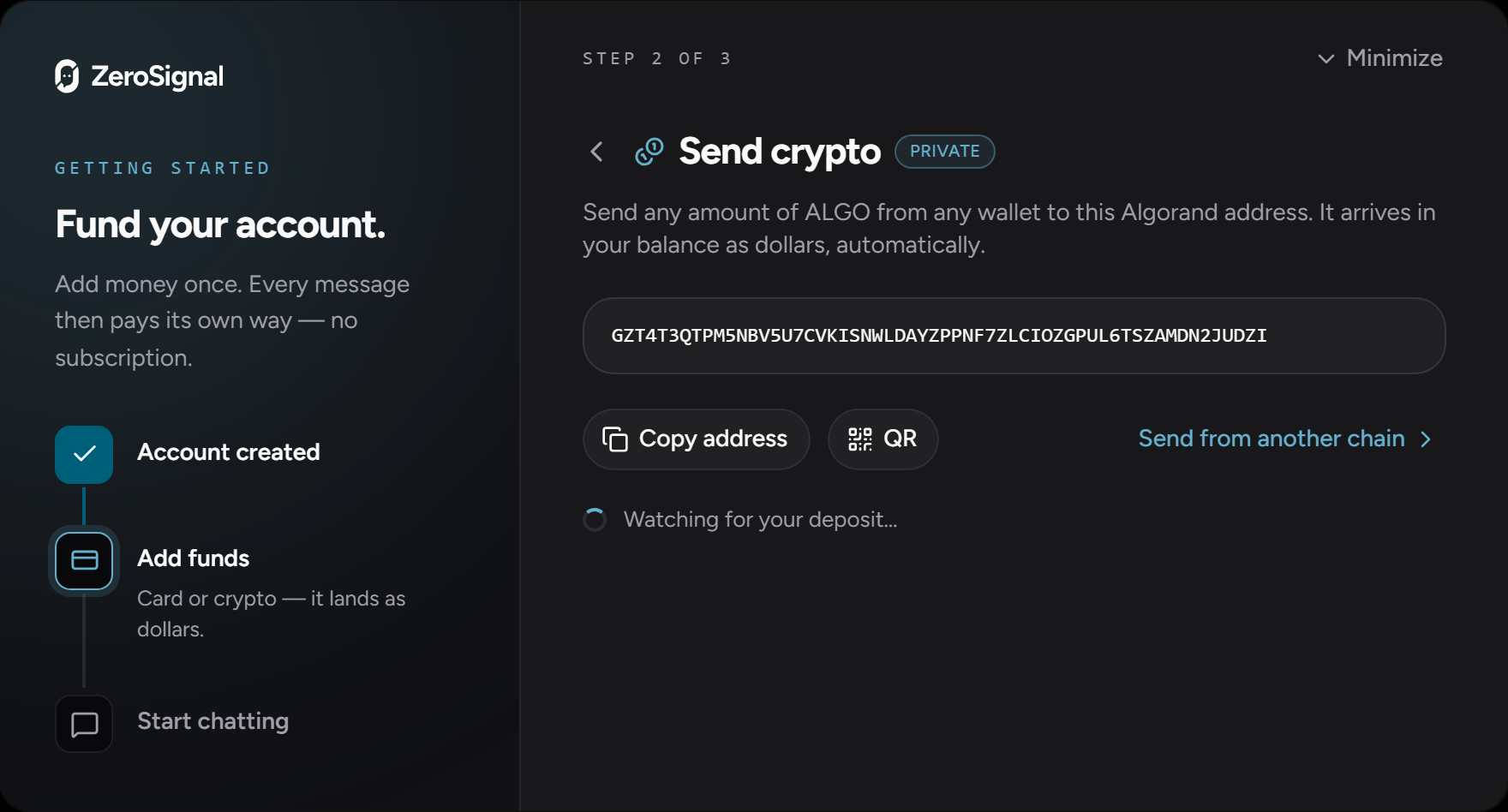
Send ALGO or USDC from any Algorand wallet to your deposit address, shown as text and a QR code in the deposit dialog. USDC lands as dollars directly; ALGO converts automatically — see auto-conversion. A brand-new account can't hold USDC until its first deposit, so during first-run funding this lane is Send ALGO only.
Auto-conversion
A deposit that arrives as ALGO — a transfer of ALGO, or a card or cross-chain purchase on a brand-new account — is swept into USDC automatically, and a small ALGO float is kept aside to cover network fees. While a sweep is running, the app shows a converting indicator ("Converting to dollars" on your first deposit). It typically settles in seconds.
Withdrawals
You can withdraw USDC to any Algorand address at any time from the same Deposit dialog. We set no minimums or lockups.
Why use crypto?
Three properties you don't get from a card on file:
- Pseudonymous payments. Crypto payments carry no name, billing address, or card number, so your usage isn't tied to your identity.
- Self-custody. Your funds sit in a wallet derived from your passkey, not in an account we hold. Your recovery phrase also works in ARC-52-aware Algorand wallets, so you can reach your balance without ZeroSignal — see Recovery.
- Open rails. Payments settle on a public network, so any user can pay any operator directly, with no payment processor deciding who may pay whom.