Quick start
Getting started takes three steps: create a passkey, add a little money (or start on a free trial), and send a message.
Create your passkey
Open the app, choose Start chatting, then Create new account. Your device prompts for your face, fingerprint, or device PIN and creates a passkey. The passkey is your account.
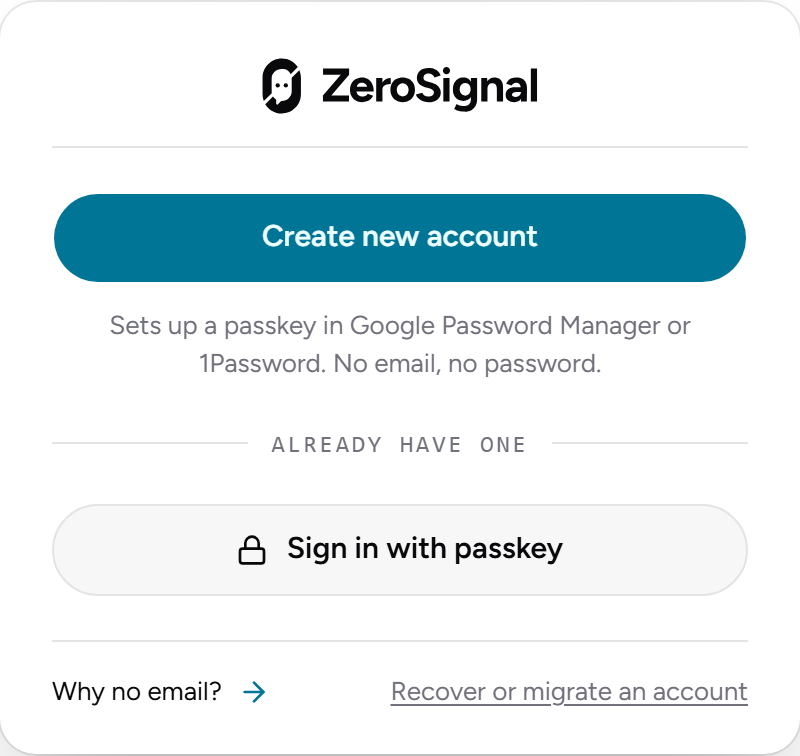
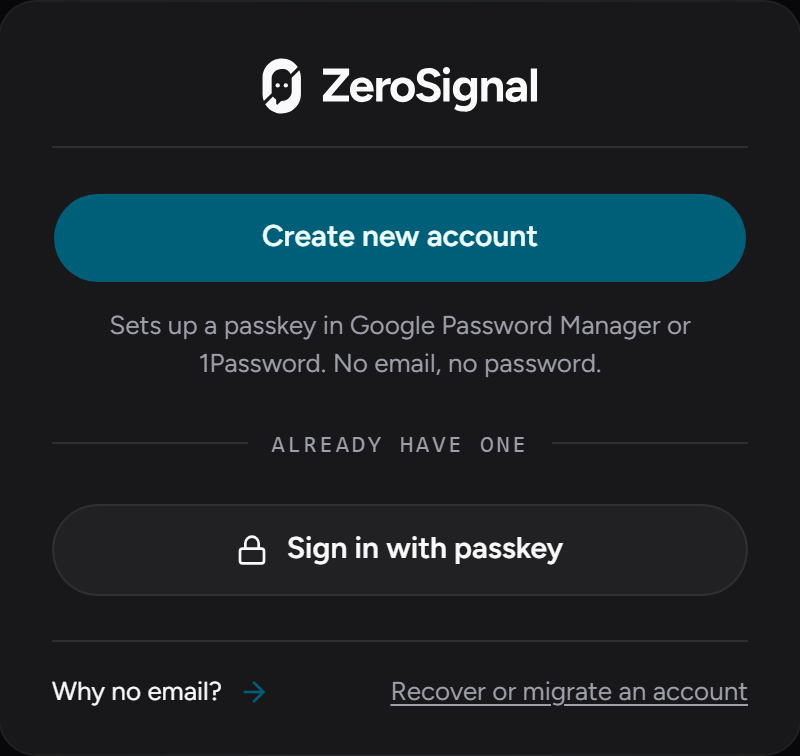
Your passkey also derives the wallet that holds your balance, so it needs a passkey manager that supports the WebAuthn PRF extension — 1Password, iCloud Keychain (iOS 18 / macOS 15+), Google Password Manager, or Windows Hello. If yours isn't supported, the app tells you and suggests one. See Passkeys & your account.
Right after this, save your recovery phrase (Settings → Recovery). It's the only way back into your account if you lose your passkey. See Recovery.
Add funds
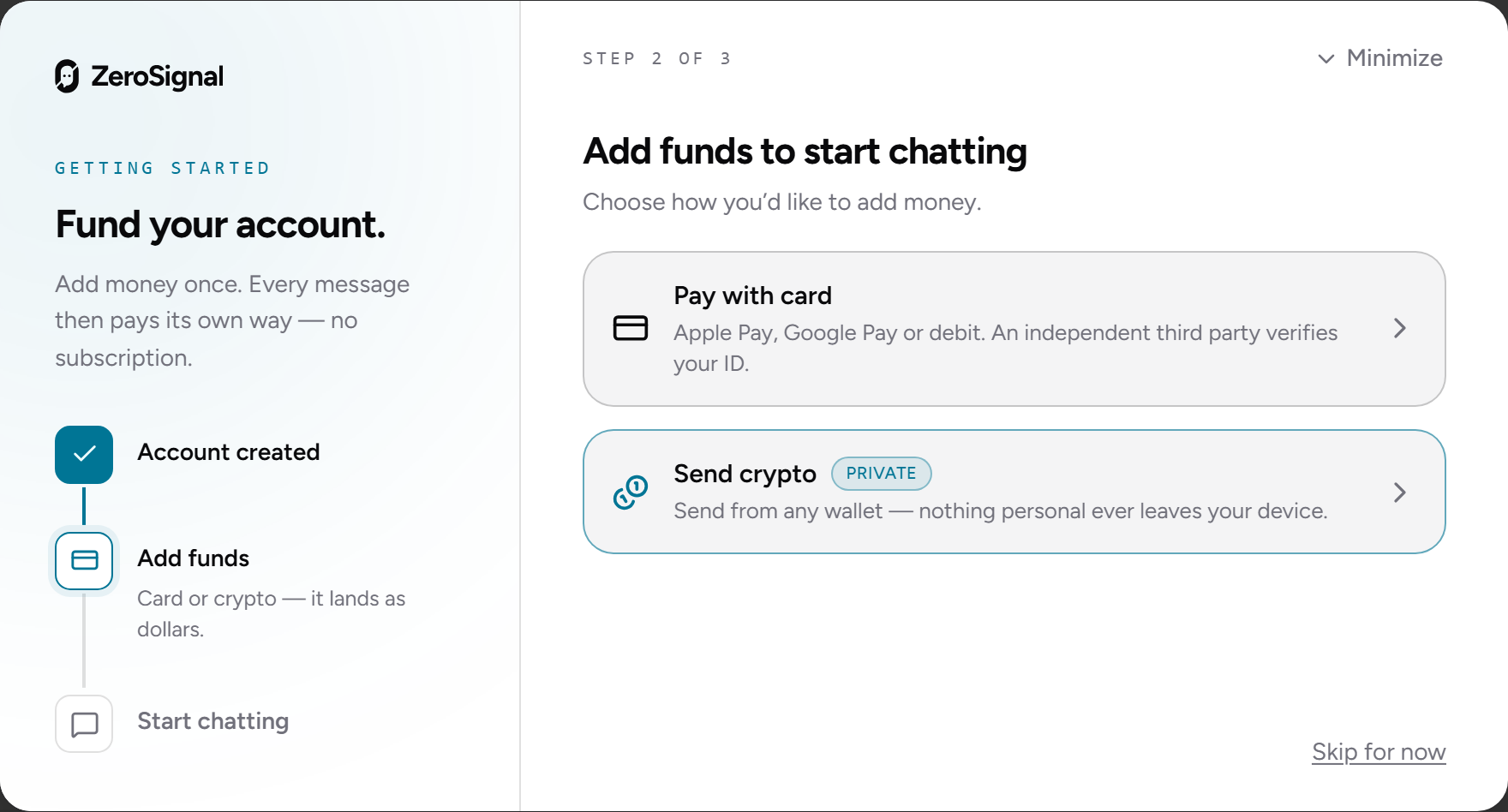
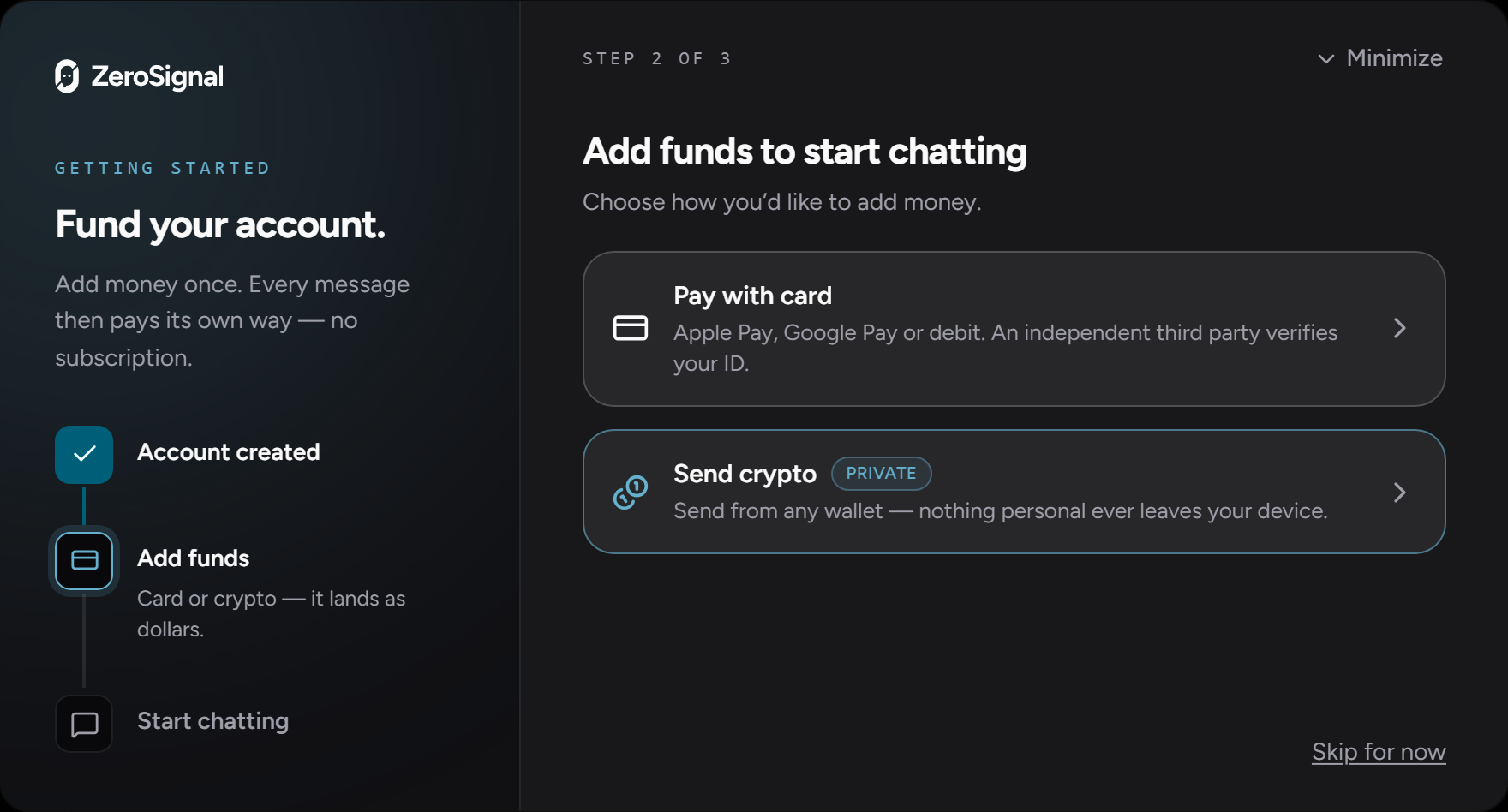
A Fund your account window opens as soon as you create your account. It offers a free trial first, and two ways to add your own money:
- Try it free — pass a quick bot check and ZeroSignal covers your account's small on-chain setup. You can chat on free models right away, with no card or crypto. Offered once per account, while the day's supply lasts.
- Pay with card or crypto — a debit card, Apple Pay, Google Pay, or Cash App, or crypto from another chain or an exchange, through an independent third party that takes over the screen for the purchase. ZeroSignal never asks for, stores, or sees your personal details.
- Send ALGO — send ALGO from any Algorand wallet to the deposit address shown (copy it or scan the QR code; the app watches for your deposit).
Whatever you send ends up as dollars (USDC) in your balance. You'll briefly see Converting to dollars, then You're funded.
Skip for now closes the window, and Finish setup reopens it. A free trial or a deposit unlocks free models; paid models need a deposit. See Funding.
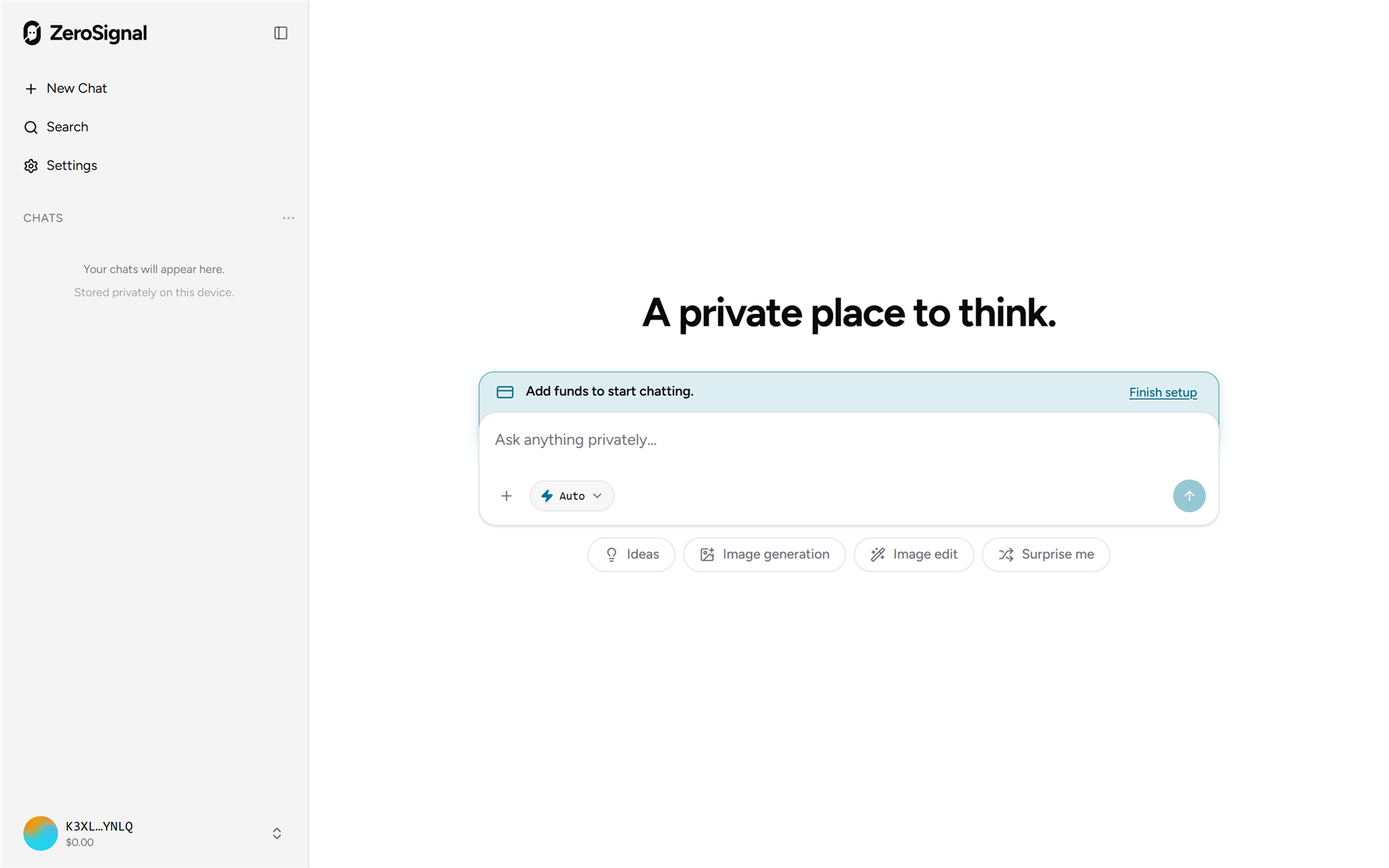
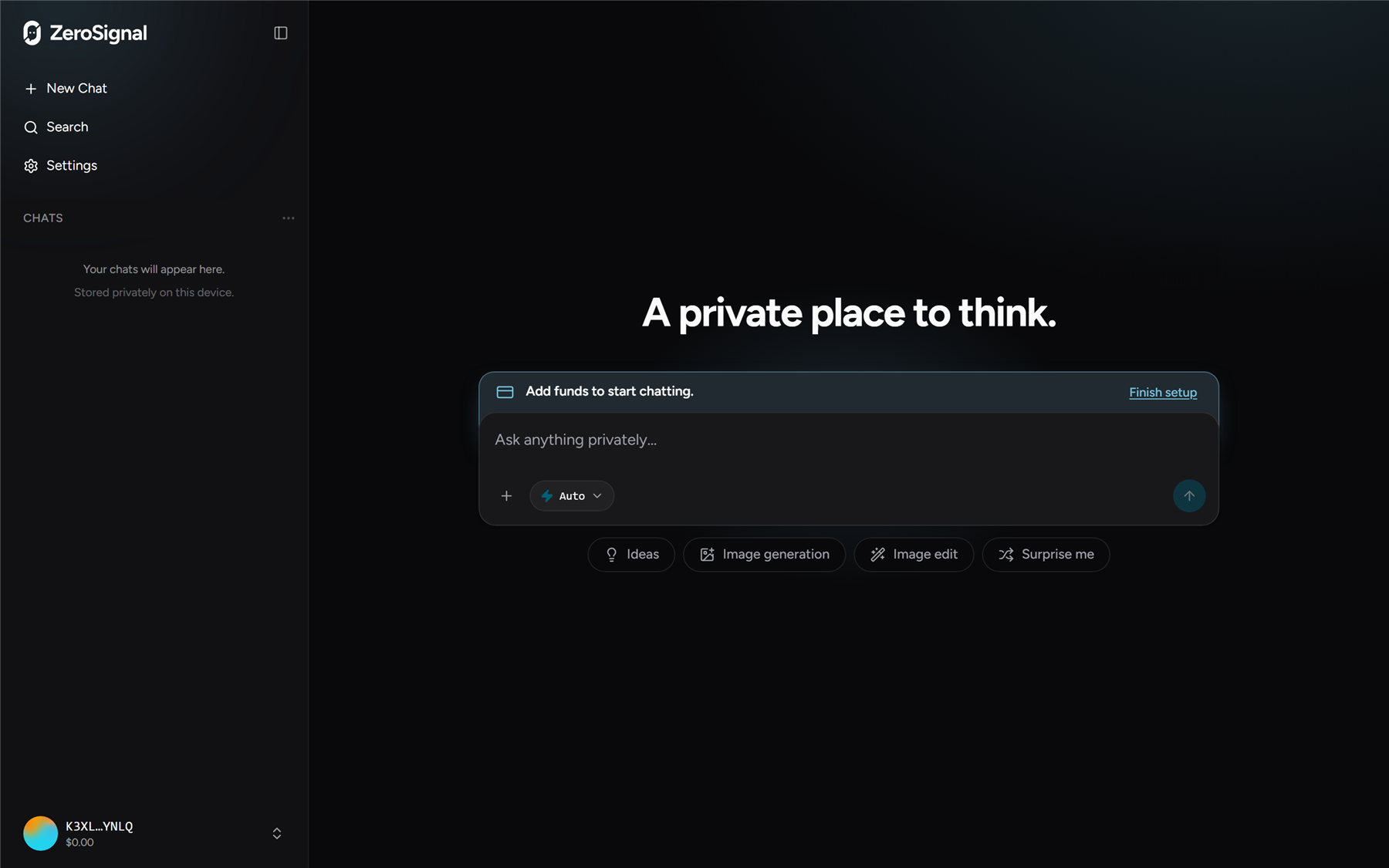
Start chatting
Once your balance shows up, type in the composer and press Enter.
A few things to try:
- Pick a model from the composer, or leave it on Auto to let the app choose the best one for each message. See Models & operators.
- Attach an image and ask about it, or ask a model to generate one.
- Watch the cost under each reply — typically a fraction of a cent for a short exchange. See Pricing.
Add it to your home screen
On an iPhone or iPad, you can add ZeroSignal to your home screen and launch it full-screen, with its own icon and no address bar.
Open ZeroSignal in Safari
Go to zerosignal.ai in Safari. Add to Home Screen lives in Safari's Share menu, so other iOS browsers may not offer it.
Tap Share → Add to Home Screen
Tap the Share button (the square with an upward arrow) in the toolbar, scroll down the list, and choose Add to Home Screen.
Confirm and add
Leave the name as ZeroSignal (or rename it) and tap Add. An icon appears on your home screen.
Launch it from that icon. Your passkey works there, so you sign in to the same account and wallet. Your chat history from Safari may not carry over to the Home Screen app; to share it between them, turn on syncing.
On Android, open zerosignal.ai in Chrome, tap the ⋮ menu, and choose Add to Home screen (or Install app).
What's next
- Chatting — attachments, image generation, message actions, and shortcuts.
- Privacy & security — how your prompts and history stay private.
- Settings — theme, session lock, and more.
- Using the proxy — the same account and pricing in your terminal, your editor's AI tools, or any OpenAI-compatible tool.